The system I use to manage my work across a day, week and forever.
These are my notes on how I track my work on a daily, weekly and permanent basis.
Writing about how I work surfaces strengths, weaknesses and new ideas of how to work. This helps me understand and improve my work, and helps me when I want to explain how I work to others.
Across a single day, I will use a large post-it to write one to three tasks to achieve.
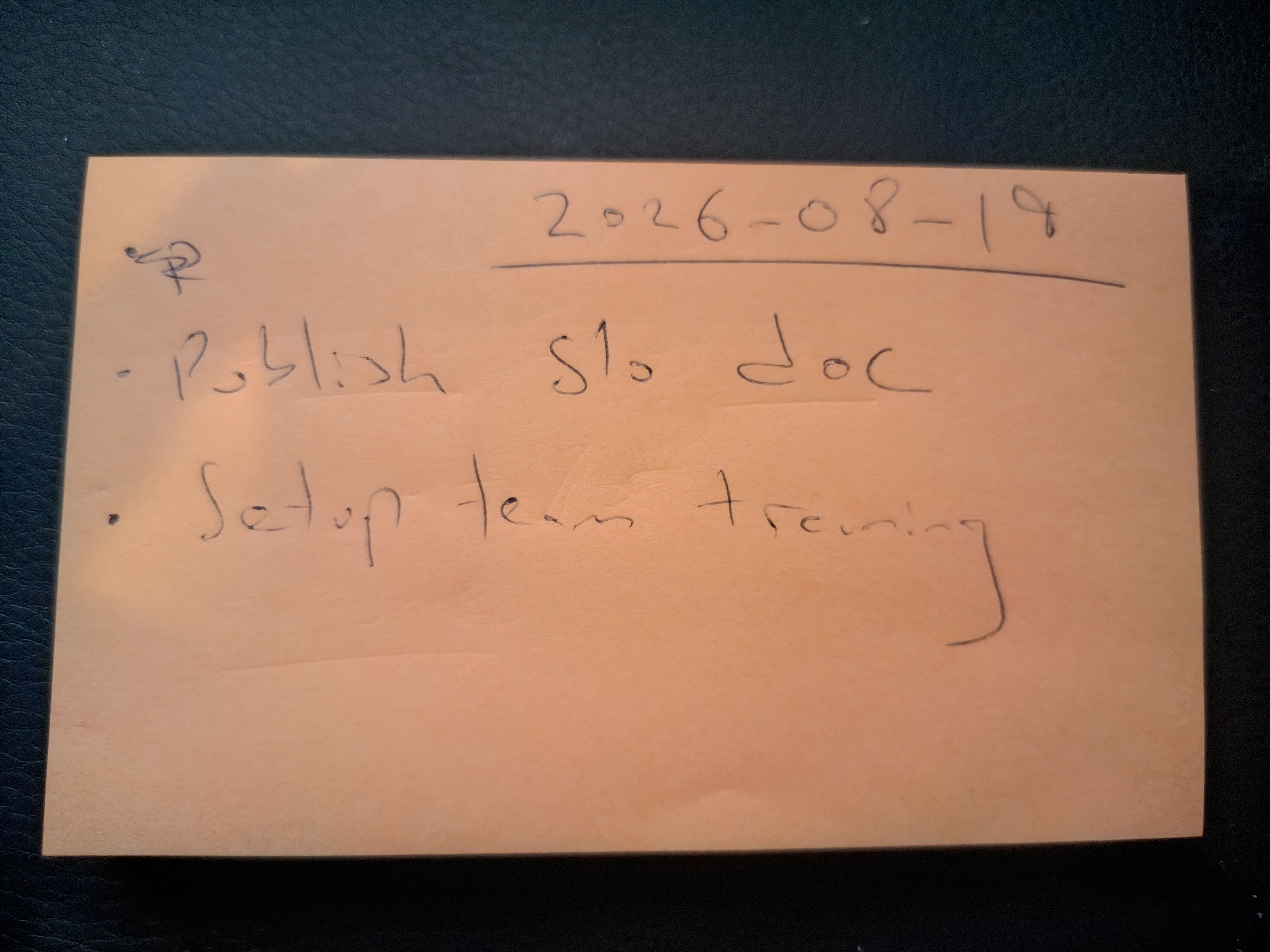
These short term, temporary TODO lists are just a few bullet points on a post-it note.
Usually this list is created at the start of each day, and is always thrown away. Too much volume to be stored in a notebook.
Value of this approach is its local, low friction and easy to manage.
It’s easy to setup (just a post-it note, piece of paper - whatever). Notes are temporary and designed to be lost, so there is very little you can do wrong.
Short term TODO lists - few bullet points on page or in a notebook.
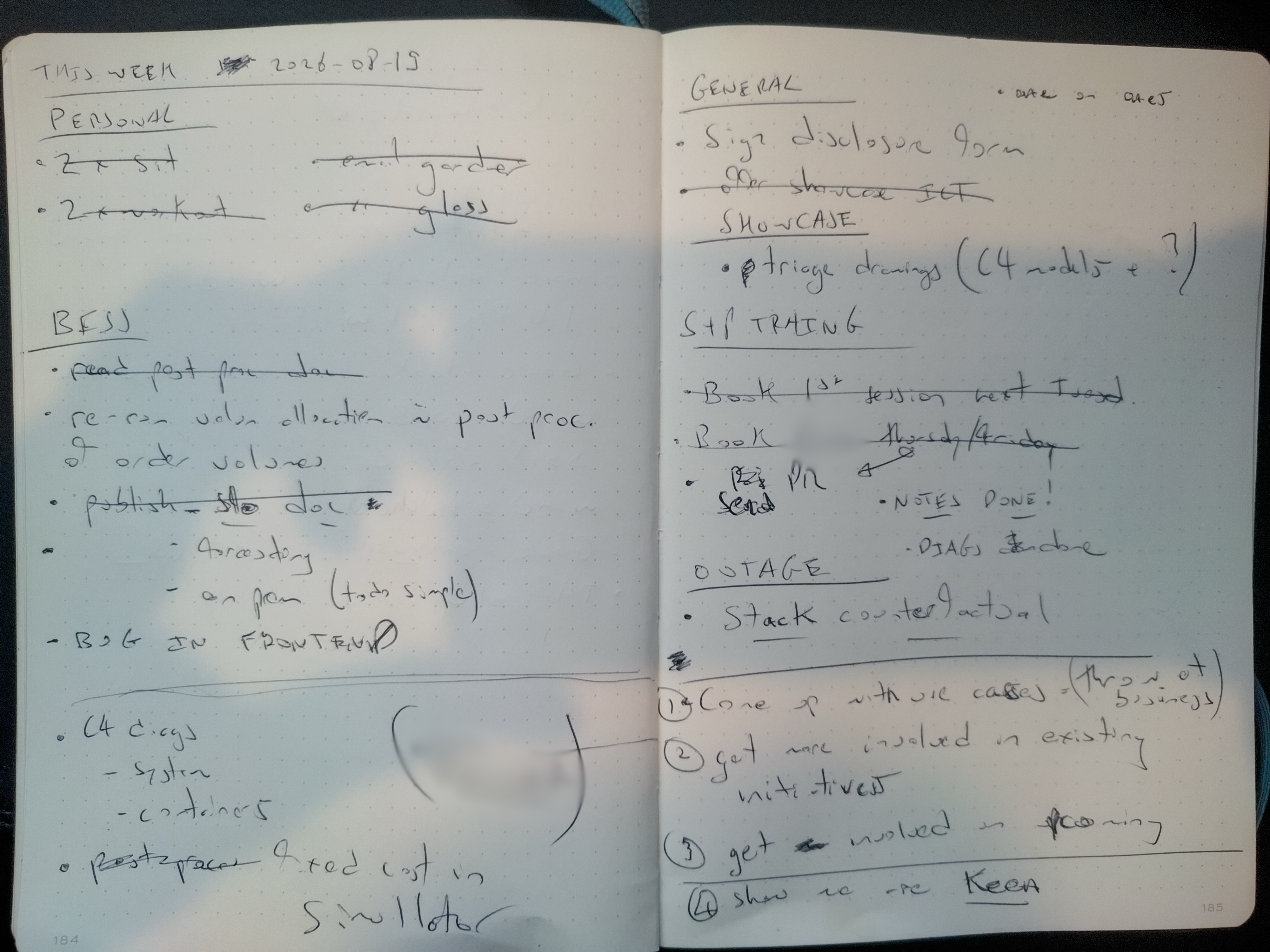
Contain sections for each project I’m working on that week
Usually created at the start of the week on paper, kept in a notebook. Useful and small enough to be useful to look back over.
Value of the permanent weekly note is tracking progress. Persistent notes on a weekly level allow me to glance back over many weeks and see what I did (or didn’t) do.
My bulk storage is in a Markdown file, stored either in a ./todo.md or in a central location.
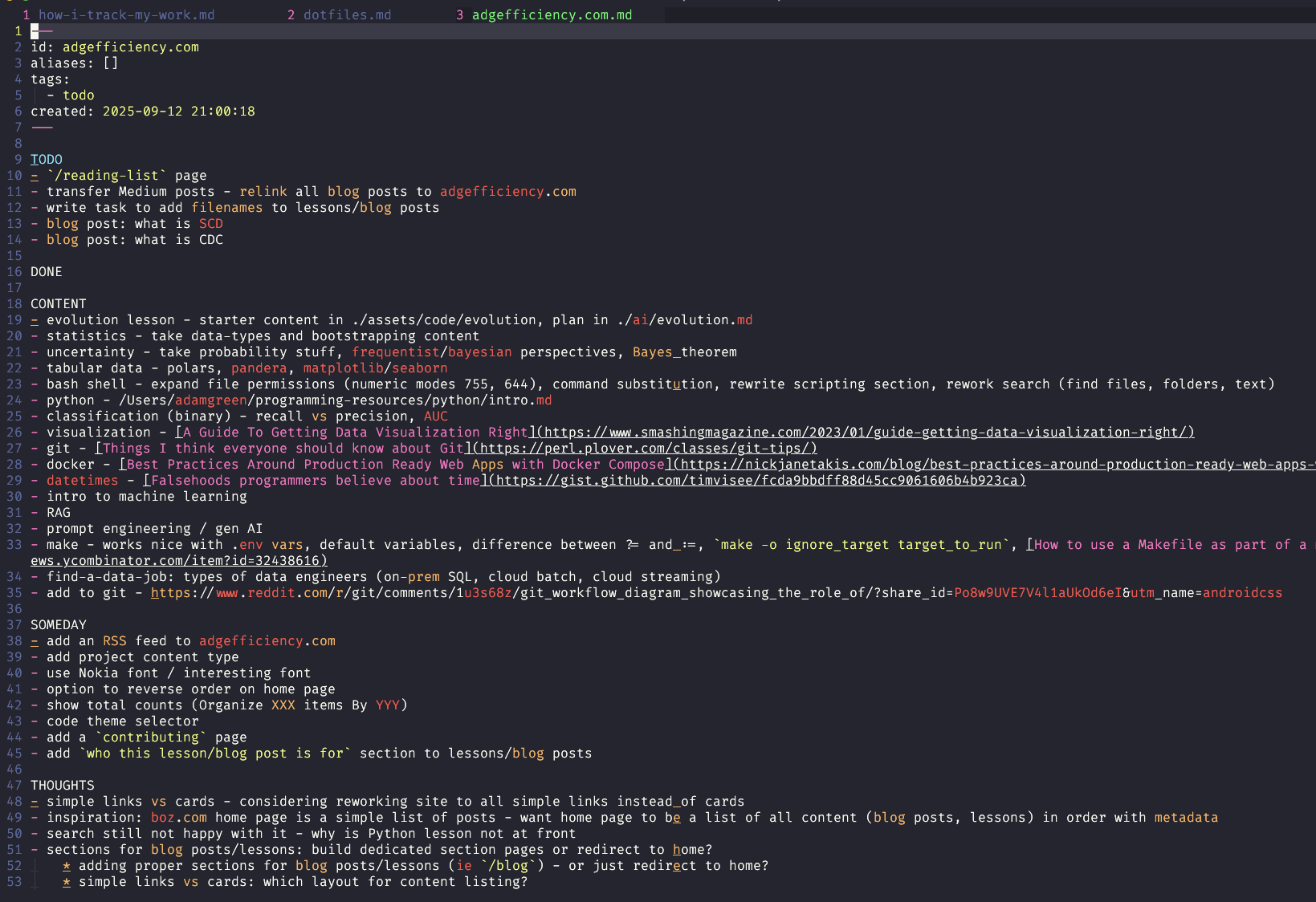
I use a shell script todo to find a Markdown file in ~/personal/projects/$PROJECT_NAME.
The script will use the current working directory to find the correct note:
# finds local project todo in my personal notes based on the current working directory
$ todo

# finds specific project by name
$ todo energy-py-linear
I can also use a .todofile if the project note file name diverges from the local path.
Often reworked with a completely fresh note every 3 to 6 months, putting the old note into an archive. Often gets messy (hence the rewrite).
Value of the forever, project note is that it’s a source controlled history of a project. I can see what I was thinking a while ago, organize ideas together, manage pieces of work as they need to be managed.
It allows me a chance at a fresh start as needed, as I can just archive what I have and start from a blank page (my favourite and most productive knowledge working trick).
